How to Create a Custom Form for Your Website (No Developer Needed)
Don't have a form ready on your site yet? You can build one from scratch, in your own style, without writing a single line of code.
No form to connect? You can still build one
Many businesses put off building a custom contact form because they assume they need a developer to design it and add it to the site. In reality, with a visual editor the form is built directly online — fields, styling and publishing all happen in the same place, with no developer involved.
The problem with "borrowed" forms
Many third-party tools offer a ready-made form to embed on your website, but with a fixed look: different fonts, standard colors, sometimes even a small external logo.
- The form is immediately recognizable as "not part of" the rest of the page.
- Customization options are minimal or nonexistent.
- Visitors notice a style shift right before they're asked to share their details.
How to build a custom form for your website
With OglutForm's visual editor, the process takes just a few steps:
- Choose the fields you want to collect: name, email, message, a consent checkbox and other custom fields.
- Set colors and fonts that match your site, including your own uploaded fonts.
- Arrange the layout on a 12-column grid, placing fields side by side however you like.
- Copy the auto-generated snippet and paste it into your page.
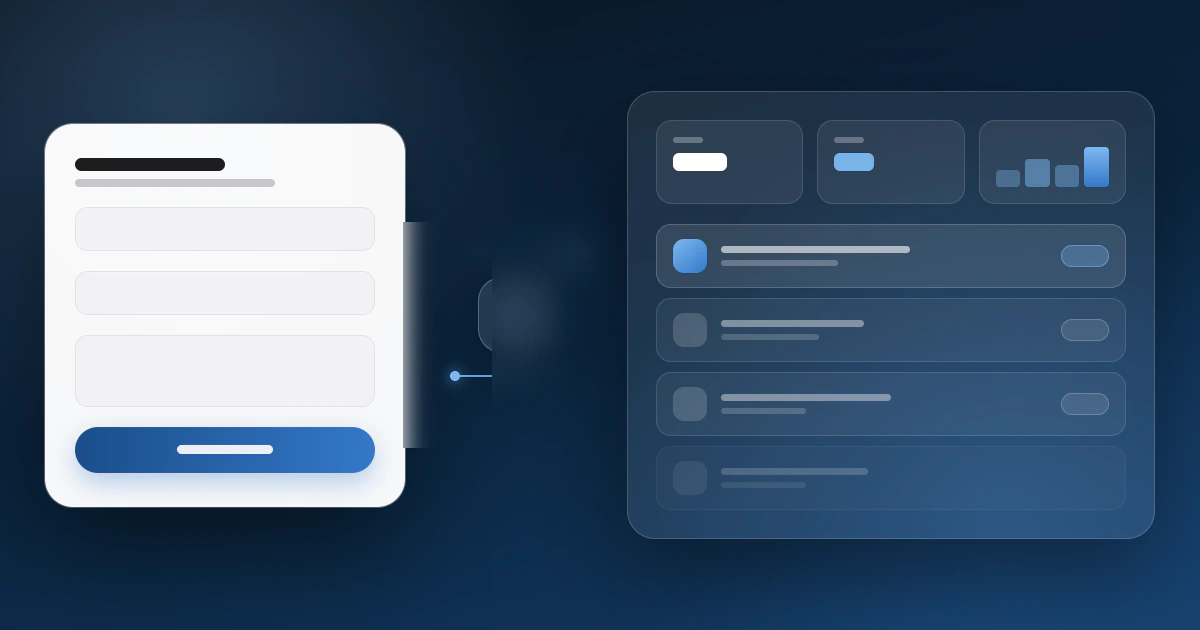
The result isn't a widget bolted on top of the page: it's a form embedded in your website that inherits the style you chose, built to sit naturally within your existing design. If you want to see the editor in action, take a look at OglutForm's dedicated online form builder page.
Build your custom form now
Visual editor, ready-to-use snippet in minutes, lead dashboard included. Free plan available.
Create your form for freeWhat happens after you publish the form
Once embedded, every submission lands automatically in your OglutForm dashboard: you can get an email notification on every submit, turn on an automatic confirmation reply for whoever filled out the form, and export all your contacts to CSV whenever you need to.
It won't slow your site down
The snippet loads asynchronously and the form lives in an isolated part of the page: it doesn't block your site from loading and doesn't touch your existing styles. Fonts are served from our own servers too, so there's no external call to Google Fonts.
Conclusion
You don't need an existing HTML form on your site to start collecting requests in an organized way. With the visual editor you can create a custom form for your website, embed it with a simple snippet, and manage every contact from a single dashboard — no developer, no code to write.